find your favorite

HoloViewer

by GameSoldier

stay informed

What is the SC-Holoviewer

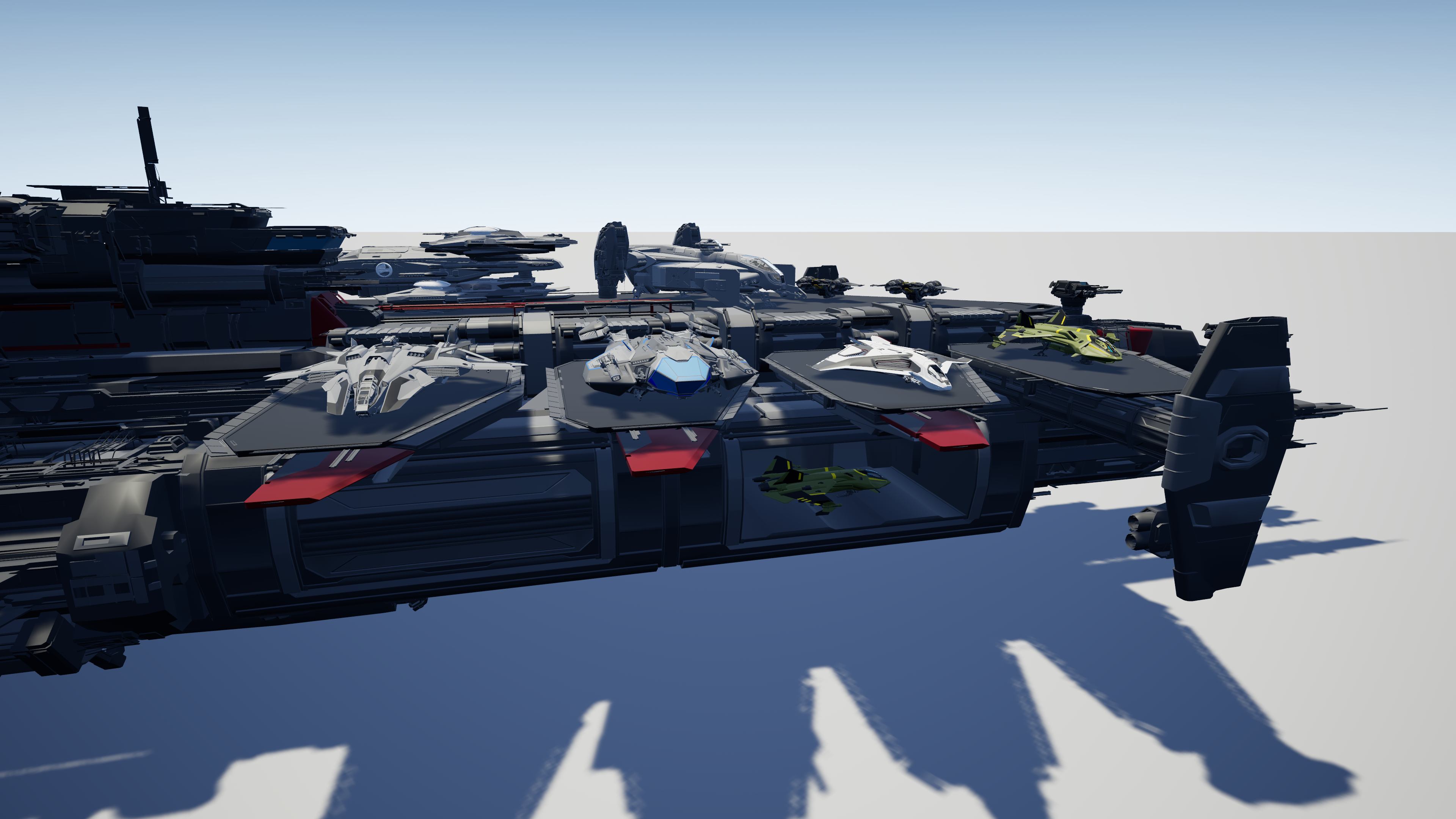
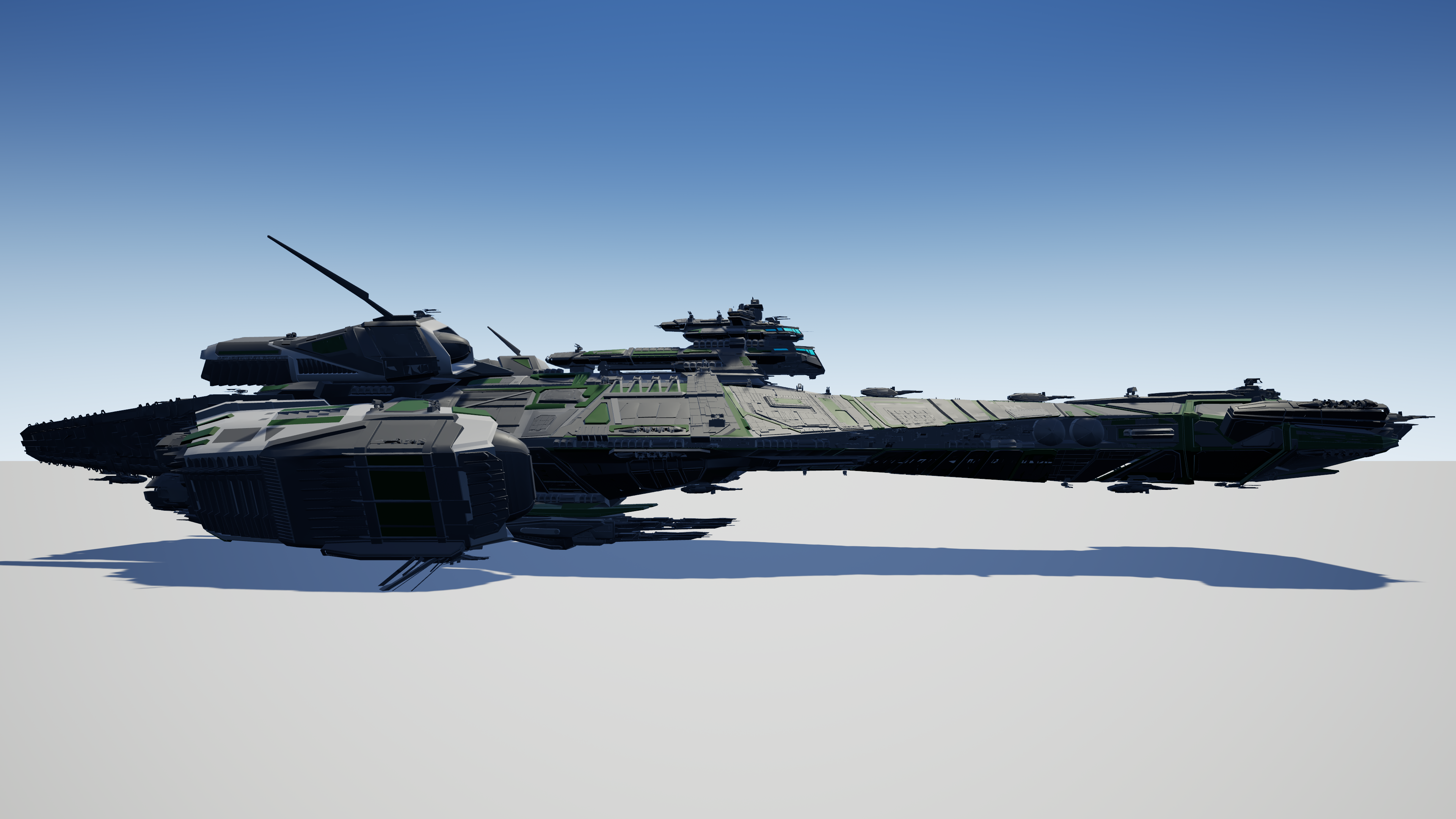
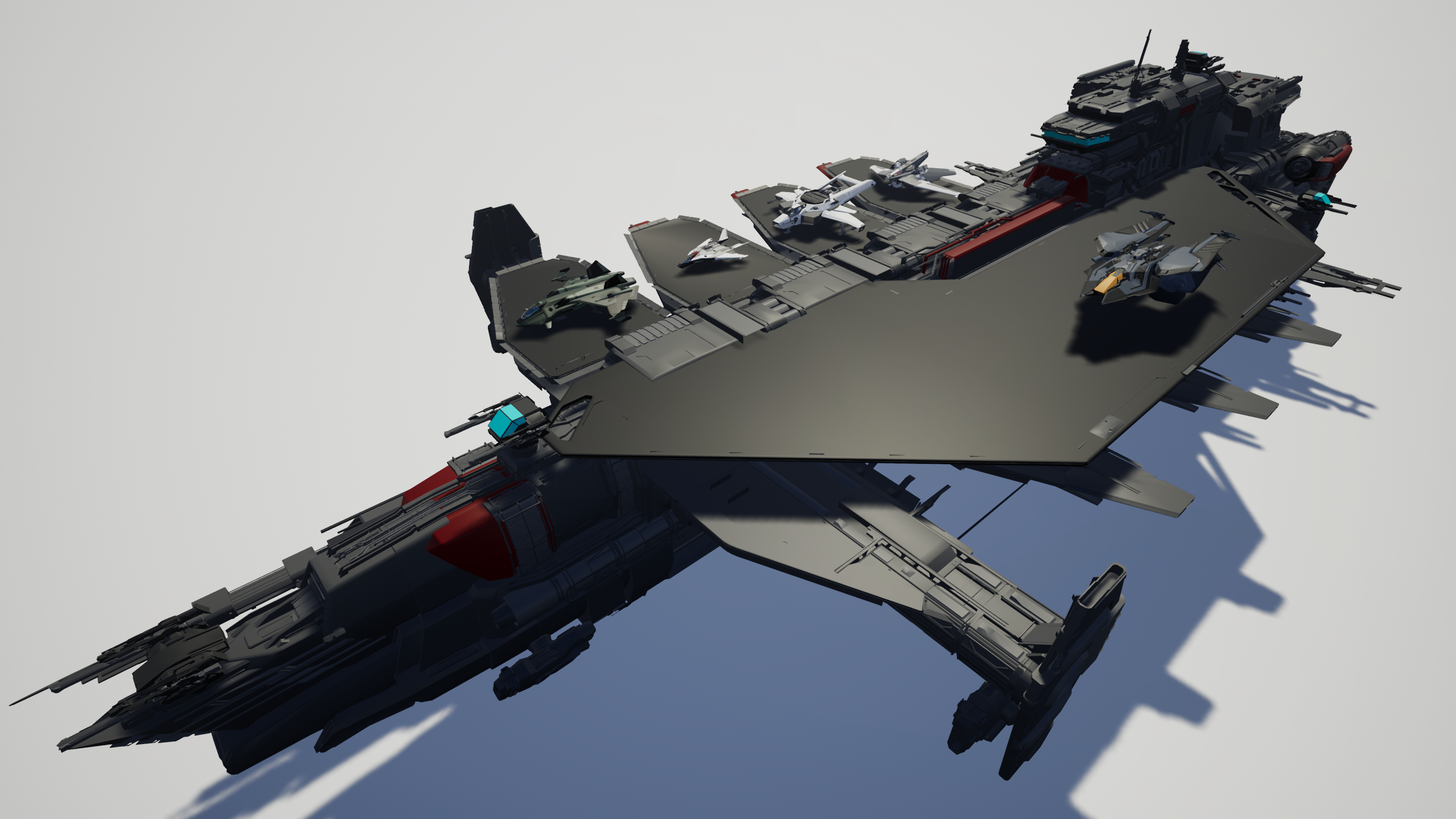
The SC-Holoviewer is a fan-made scale/fleet viewer for all things Star Citizen.
The models used in the SC Holoviewer come from the Holoviewer on the RSI website or were custom-made by me to reflect the original.

Version 6.0 includes 328 different objects from people to spaceships and space stations.

You can create your own fleets, use pre-built layouts, or import fleets from other tools like Starjump and Fleetyards.

The SC-Holoviewer supports openxr for a native VR experience on various platforms.


Important: Even with VR headset the SC-Holoviewer starts as normal version. To use VR, start a map and press "Enter" or the controller trigger to switch to VR.
get your ship

Download / Changelog

Download
(646 downloads)
21.02.2026
Version - 6.0.0

This version needs a full reinstallation

Patch Notes:

Gameplay:
    • The first implementation of usable interior spaces such as ramps/doors/elevators/... for many ships
    • The ability to create your own fleets, or import them from other tools like Fleetyards and Starjump
    • Will Tt Fit: The ability to spawn any number of objects in ship hangars
    • 6 degrees of freedom in placement allow for the construction of diorama-like maps
Content:
    • Revisions to all currently existing vehicles
    • The addition of about 66% more objects
Core:
    • Completely new developed core architecture for a wide range of new features
UI:
    • Completely new UI with the aim of making use more intuitive
    • 6 different color styles as well as the ability to customize the colors according to your own preference
    • New interface for manually placing/rotating ships
And more!
Archive

Find answeres

FAQ

How to install?

You can download the SC holoviewer on this page. To start, unzip the .zip file and start SC_Holoviewer.exe

What are the system requirements?

After unzipping, the SC Holoviewer requires 5GB of free hard drive space. 16GB RAM is strongly recommended.

How can I fly?

You can use the F button to turn airplane mode on and off. While airplane mode is activated, you can fly up and down using q/e or ctrl/spacebar. For the entire key assignment see Settings->Key Assignments.

Need more help

Further help can be found in the guide -> https://dl.starcitizen-community.de/holoviewer/Documents/UserManual.pdf

Is the Holoviewer VR compatible?

The viewer has VR support and is compatible with many VR headsets thanks to OpenXR Open XR must be activated in Steam VR or the Oculus app

How do I submit a bug report or suggestion?

To submit suggestions, you can use this form: https://forms.gle/NAVaKEBNXRWJMydb9

Do you want to support me?

You can support me by upvoting the viewer on the RSI Community Hub page, by using my referral code to create a new SC account, or by using my Kofi account.
Text
E-Mail
(optional)
Specifying the email is optional and is used to inform you as soon as an answer is available. If you have been informed of a reply, the address will be deleted.